It usually goes like this. You fly into a country where Telegram is restricted, or you go home to visit family, and Telegram just spins on "Connecting…" and loads nothing. Someone tells you to get a proxy, you search for one, and you get a jumble: lists of addresses (some of them already marked "no longer working"), ratings that score services to one decimal place, and offers to download a proxy, even though, funnily enough, there's nothing to download.
We sell personal proxies ourselves, so I'm not exactly a neutral party here 🙂 That's why our part comes only at the end, separately. Until then I'll explain it the way I'd explain it to a friend in a chat, without the jargon you won't need.
What this middleman is and why it needs no extra app
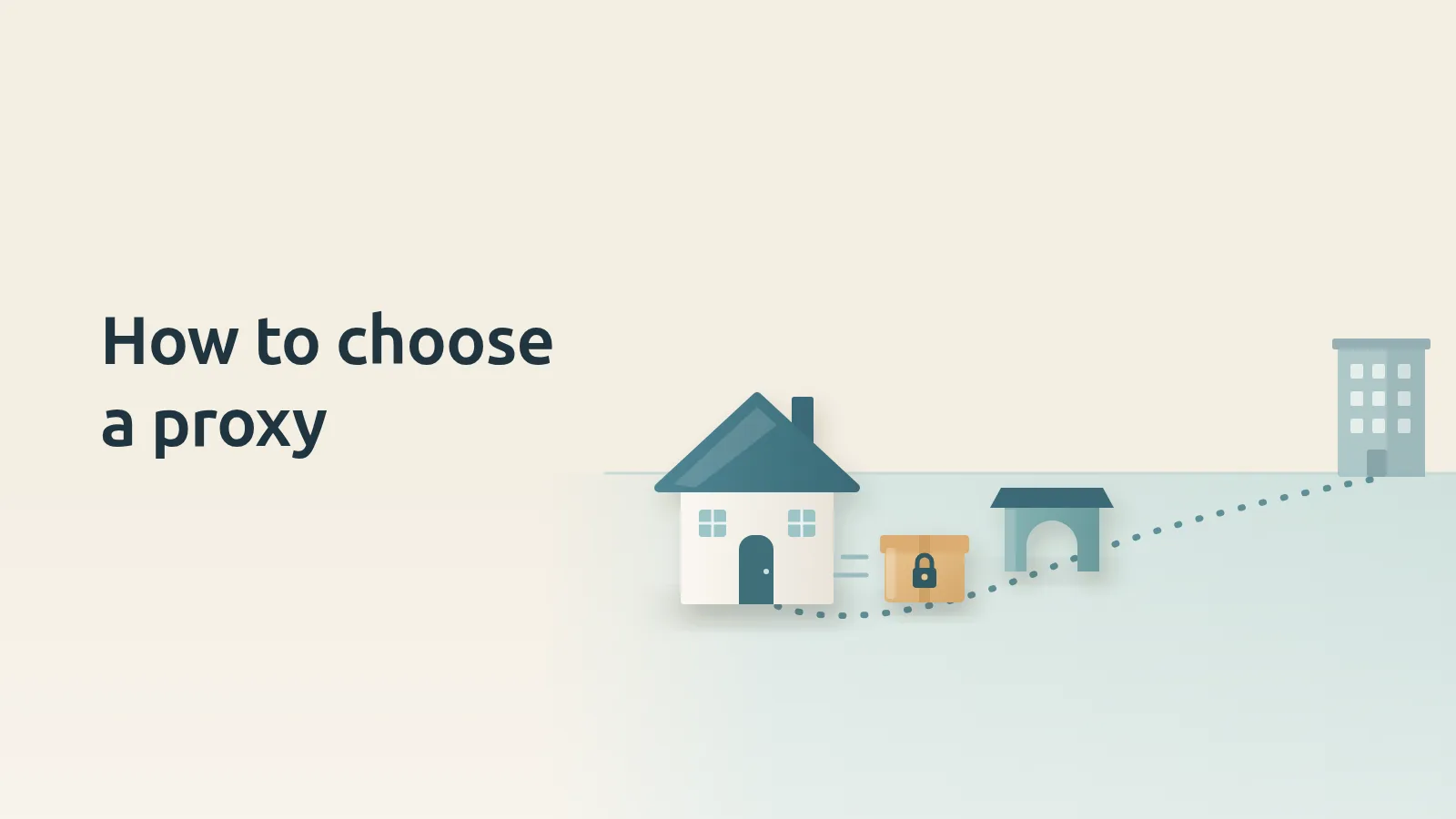
A proxy is a middleman server. Telegram doesn't send your data straight to its own servers, it sends it to the proxy first, and the proxy passes it on. Think of a parcel you hand to a friend in another town so they can send it on from there. Your friend can't open it, though, because Telegram encrypts the contents itself.
All Telegram mobile and desktop apps can connect through a proxy, so you don't have to install anything else. Someone sends you a link, you tap it, and Telegram itself asks whether to connect the proxy. Only Telegram goes through it, and the other apps on your phone work just as before. That's the difference from a VPN: a VPN usually reroutes all of your device's traffic, while a proxy usually reroutes only the traffic of specific apps, like Telegram.
There's one exception. Telegram Web, the version that opens in a browser, doesn't support proxies, so you'll need the app on your phone or computer.
Which type of proxy you need
Telegram supports two main types, SOCKS5 and MTProto, and some apps also handle HTTP proxies. For SOCKS5 a server and a port are enough, sometimes with a username and password on top. An MTProto proxy always needs three things: a server, a port and a secret. This is the type an ordinary person almost always needs, and you can recognise it by a link like t.me/proxy?server=…&port=…&secret=… or tg://proxy?…, while a SOCKS5 link starts with t.me/socks?…. You almost never have to type those three values in by hand, because they're already written into the link.
The ratings in search results, on the other hand, are more likely to confuse you. They're full of theory about residential and mobile IPs and address rotation, but those are proxies for scraping and bots, and they have nothing to do with your chats. Honestly, my favourite part of those ratings is the scores to one decimal place, because nobody ever explains where that decimal came from.
There's also something new, the WEB type. Telegram Desktop has had it since version 7.1.0, that is since August 2026. It needs a domain and a secret and works over HTTPS. The type is already in the source code of Telegram for Android and iOS too, and on Android it's labelled experimental. But the developers themselves call the server side a proof of concept, and there are noticeably fewer of these servers than MTProto ones, so I'm watching it with interest but in no hurry. We'll see how it goes.
Who you're trusting when you tap someone else's link
I suggest choosing a proxy by two things. The first is who runs the server, or rather who pays for it, because whether your parcel gets delivered at all depends on them. The second is whether the link is shared or your own. A shared link from a channel goes to everyone who reads that channel, and you usually don't know who's behind the server.
Let me reassure you right away: the proxy owner won't read your messages or identify your account, it's the same parcel your friend can't open. But they can see some things, and Telegram says so plainly on its proxy help page: which IP you connect from, at what times, and the simple fact that you use Telegram. That's why Telegram advises you to use only proxies from a source you trust.
And if an unfamiliar channel shows up in your chat list after you connect, you haven't been hacked. The proxy owner promotes it to cover server costs, and Telegram explains this on the same page.
That doesn't make free links from channels bad by default. The MTProxy code is open, and anyone can set up their own server, so behind a link there might be a careful person or just about anyone else, and the link itself won't tell you which.
I'd walk away if, instead of a link, you're asked to download a separate app that supposedly has the proxy inside, because Telegram can connect on its own. It's worse when a bot or an app posing as a proxy asks for your login code. You must never share that code with anyone, including other services and apps, and you don't need it to connect a proxy. And if someone praises a link as anonymous, remember that the server owner sees your IP.
How to connect a proxy and check that it's on
If you already have a link, this takes less time than reading a single rating:
- Tap the
t.me/proxy?…link wherever you received it, on the phone or computer where you want the proxy. - Telegram will ask about the proxy, so tap "Connect Proxy".
- Check that the proxy is working. On Android, while Telegram is connecting through the proxy, the title above your chats says "Connecting to proxy...", and once the connection is up, that text goes away. The surer way is to open the proxy settings (where to find them is just below): the selected proxy should say "Connected" on Android, "connected" on iPhone or "online" in Telegram Desktop, while "connecting…" means there's no connection through it yet.
Sometimes you get an address, a port and a secret instead of a link. Then you enter them by hand: on Android and iPhone under Settings → Data and Storage, in Telegram Desktop under Settings → Advanced → Connection Type, and in Telegram for macOS under Settings → Data and Storage → Use Proxy.
One more small thing that helps if you have several links. You can add them all and turn on "Auto-Switch Proxies", and then Telegram moves to the next proxy by itself if the current one drops, which comes in especially handy with free addresses from those very lists.
And now, as promised, about us
FreeGate is a personal MTProto proxy, and the connection to it is disguised as ordinary HTTPS. It works only inside Telegram, so your banking app and all your other apps go online directly, as usual. We can't see your messages for the same reason any proxy owner can't: Telegram encrypts them itself.
Each device gets its own link. If yours leaks somewhere, you change it in your account with one tap, and the old one stops working at once. FreeGate connects exactly as described above and works in the official Telegram apps for iOS, Android, Windows, macOS and Linux.
All you need to sign up is an email, no phone number. After you sign up and confirm your address, you get 1 trial day with no payment and no automatic charges, and after that it's $1.00 for 30 days or $2.50 for 90 days, price per device (a phone and a laptop count separately). You can see the plans and start your trial day at freegate.app/world.
That's about it, really.